The decision
Choose the external source against the selected ground station's documented AC input and the full deployment load. A generator or mobile power station can be considered for outdoor use when it provides the required input.
Identify the station before the source
Start with the ground station model and its manual. Record input voltage, frequency, phase requirements and any specified input-power conditions. Ground stations in different power classes may need different supplies. An outlet that fits mechanically is not sufficient evidence of electrical suitability.
Include any other equipment sharing the source, such as a cleaning pump or site equipment. Keep each load visible in the project brief so the proposed source can be reviewed for the actual deployment.
Compare three deployment options
Site mains may be convenient where a suitable connection is available at the operating location. Record the supply details and the distance from that connection to the ground equipment. Confirm arrangements with the site operator before relying on an unspecified outlet.
A generator may be considered for outdoor work without suitable mains access. A mobile power station is another possible source when its AC output and usable energy suit the requirement. For either option, share the exact model and documentation so we can review the input match.
Keep power and energy separate
An inverter’s output capability describes the load it can support. Stored energy and operating conditions affect how long a battery-based source can provide that load. A large energy figure does not, by itself, confirm adequate continuous AC output.
For a generator, include the manufacturer’s continuous output specification and the expected operating duration and refueling arrangements. For a mobile power station, include continuous output, usable energy information and the manufacturer’s operating conditions. Avoid assuming a runtime from the drone’s airborne module rating alone.
Prepare the ground-power part of the enquiry
Send the country of use, available supply, candidate source model, intended mission duration and all shared loads. Include a simple site layout showing the ground station, power source and takeoff area. The equipment manuals and site operating procedures govern the actual installation.
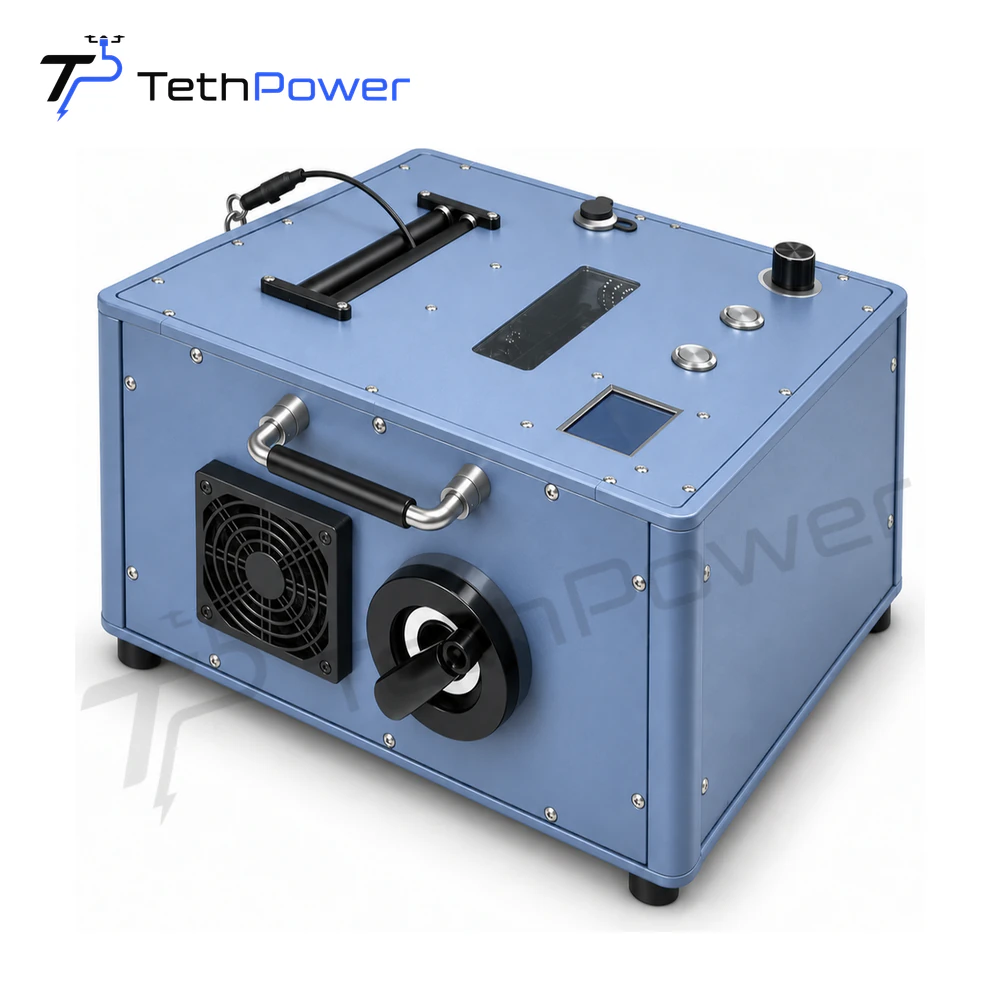
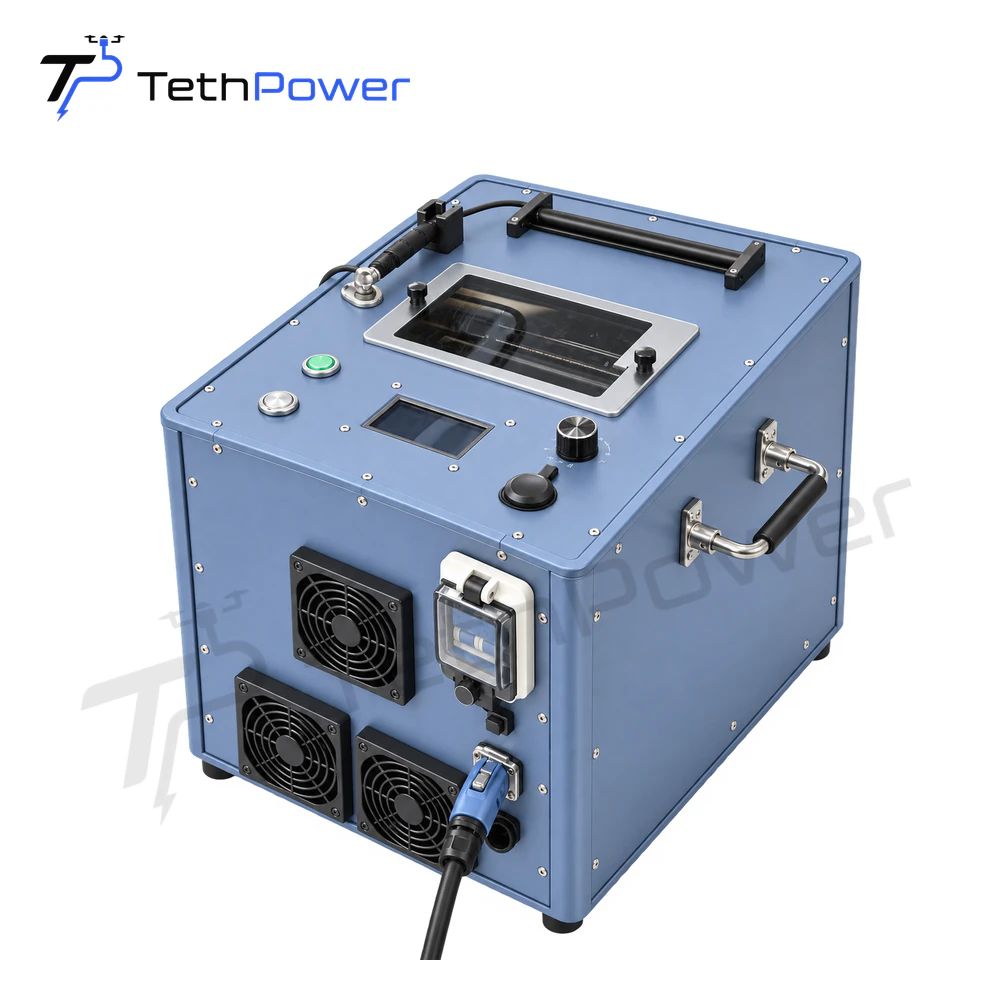
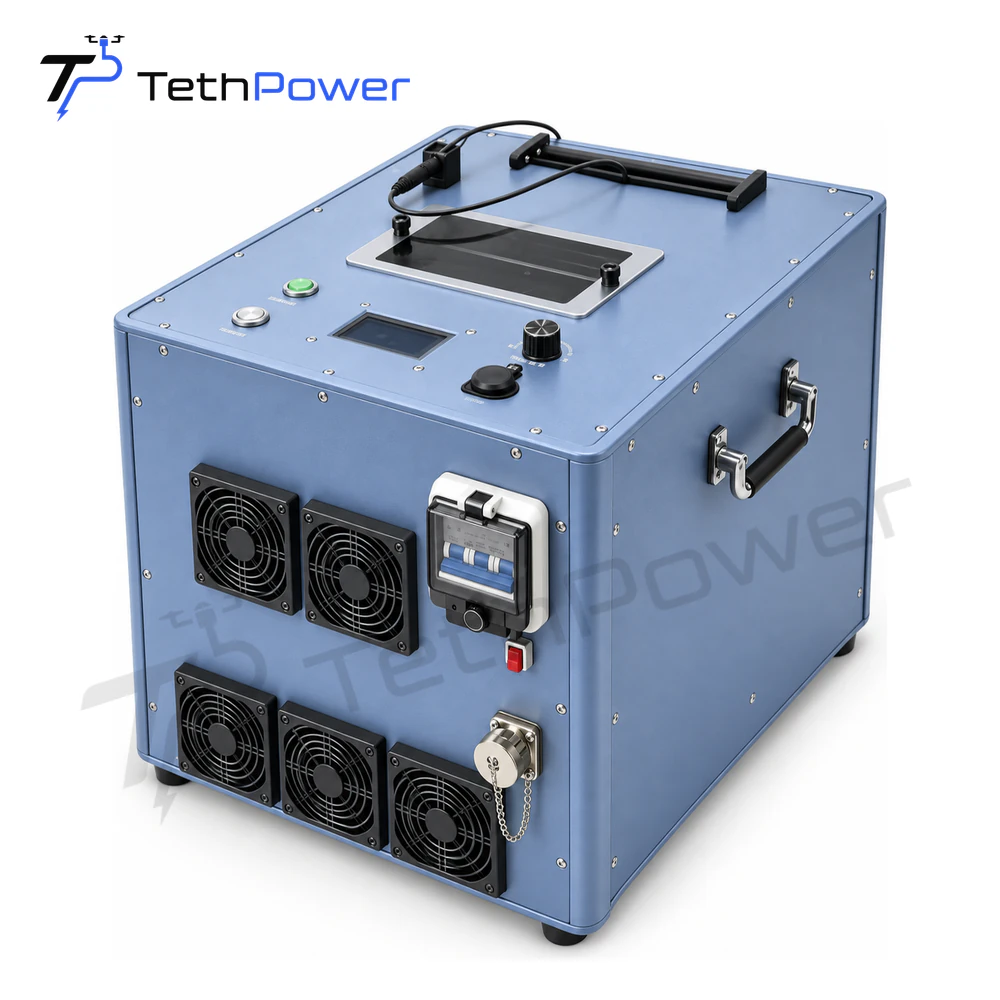
Use the ground power station range to identify the system under consideration. For the TP-T12, check the input requirements and electrical specifications on its product page.
Compare 220 V and 380 V requirements by station
Input voltage is a useful first selection condition when the available site supply is known. It does not describe the station’s airborne output or establish that different AC supplies are interchangeable.
| Ground station | Documented AC input | Ground-side power figure |
|---|---|---|
| TP-T4 | 220 VAC | 4 kW maximum output |
| TP-T36 | 380–400 VAC, three phase, 50 Hz | 36 kW rated power |
The phase and frequency shown for TP-T36 belong to that model. Where a field is not stated for another station, include the available supply details in the enquiry for review.
In Build, the Ground module section lets you narrow the listed equipment by AC input. Continue by comparing the tether, ground output and airborne module. If you are keeping an existing airborne module, send its specification with the ground-station enquiry so we can review the connection.