The decision
Match the whole electrical path, not just the power labels. The ground station supplies the tether, the airborne module regulates the aircraft supply, and both must suit the cable and the aircraft's load.
Start at both ends of the power chain
A ground station and an airborne module perform different jobs. The station accepts the site’s power and supplies the tether. The airborne module converts the arriving power to the voltage required by the aircraft. The tether joins the two, but its resistance, weight and connections also affect the selection.
Start with the available ground supply and the aircraft’s allowed DC input range. Then work inward through the station, cable and module. This avoids choosing an airborne output that suits the aircraft but cannot be supplied by the proposed ground equipment.
| Connection | What to match | Why it affects the choice |
|---|---|---|
| Site supply to ground station | AC voltage, phase, frequency and available continuous power | The station must work from the supply available at the site |
| Ground station to tether | Output range, current, cable and connections | The cable must suit the transmission arrangement |
| Tether to airborne module | Voltage arriving under load and the module’s operating input range | Cable loss changes the voltage available at the aircraft |
| Airborne module to aircraft | Output range, continuous demand and transient demand | The aircraft must receive suitable power throughout the task |
| Module to airframe | Mass, mounting, airflow and wiring space | Electrical suitability alone does not establish an installable system |
Read the rating beside the number
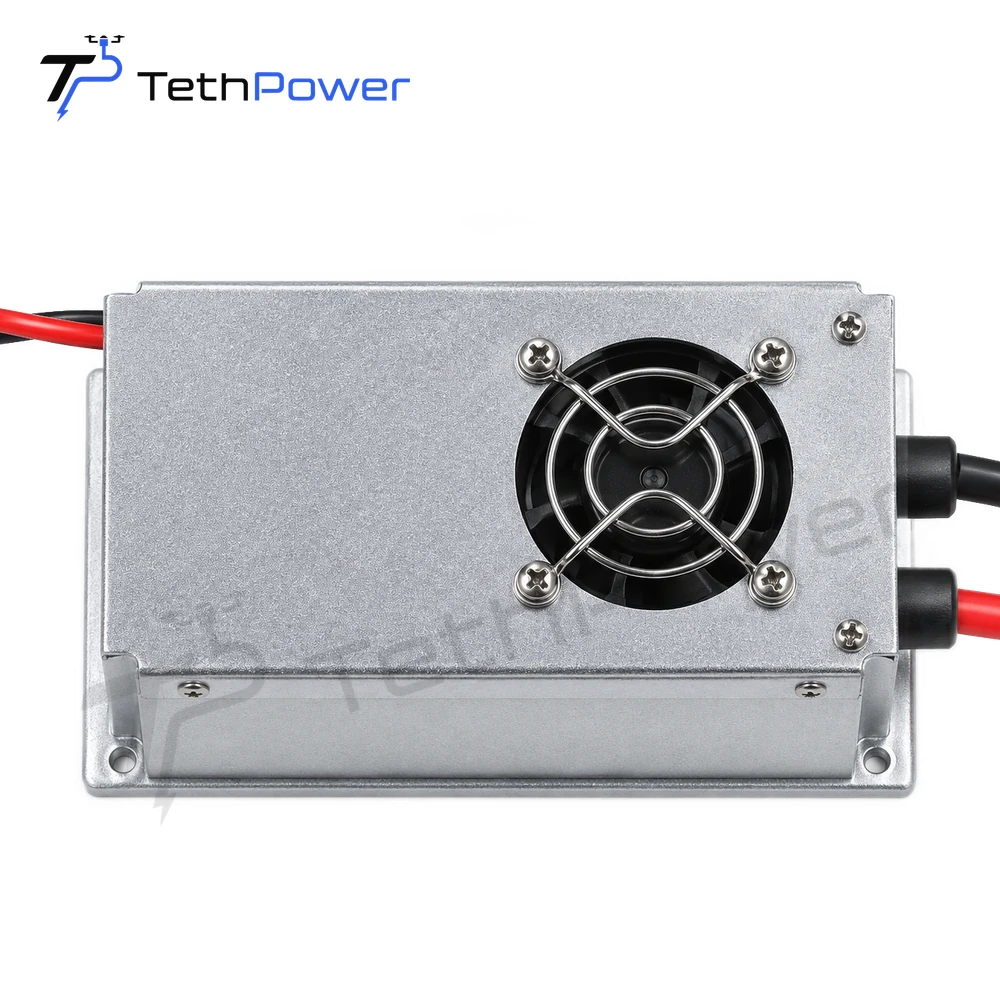
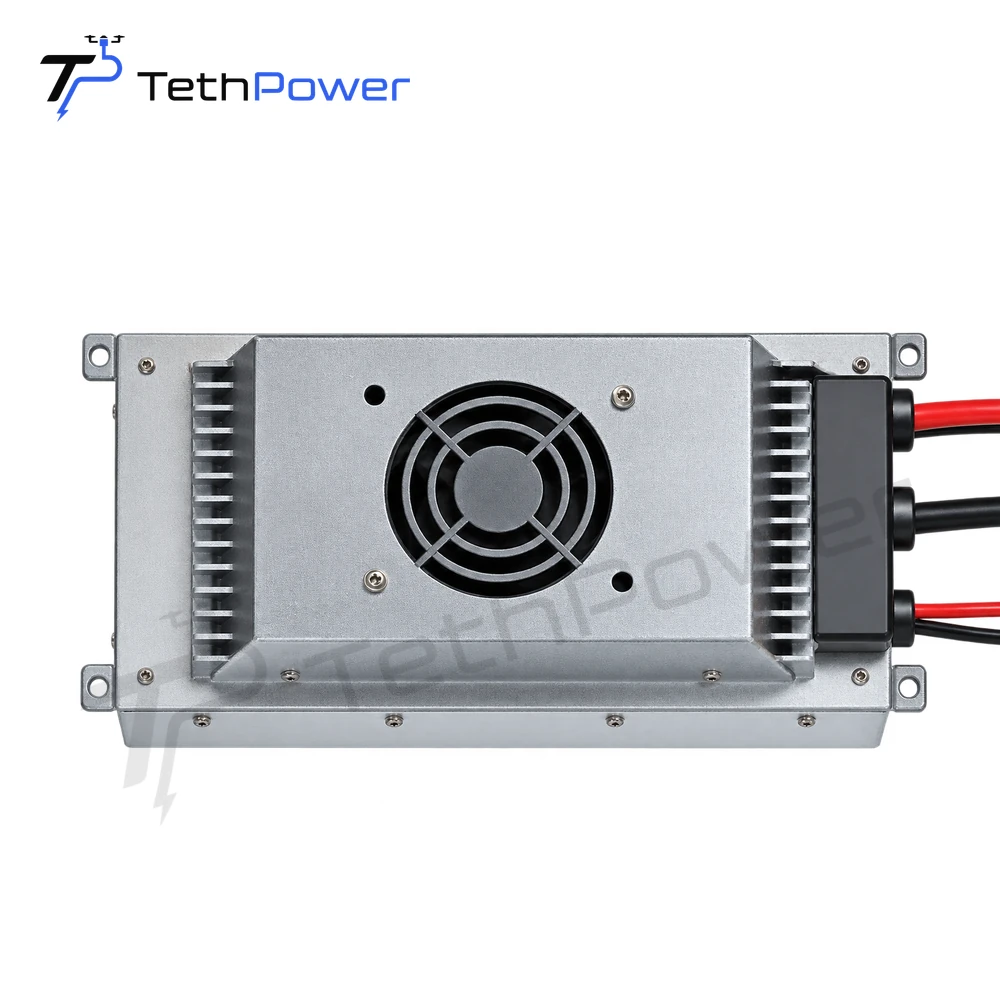
For example, TP-P1.5 specifies 360–400 VDC operating input, a 24 V nominal output, 1.4 kW rated power and 1.5 kW peak power. Those four values describe different parts of the requirement. The peak figure should not become the continuous load allowance.
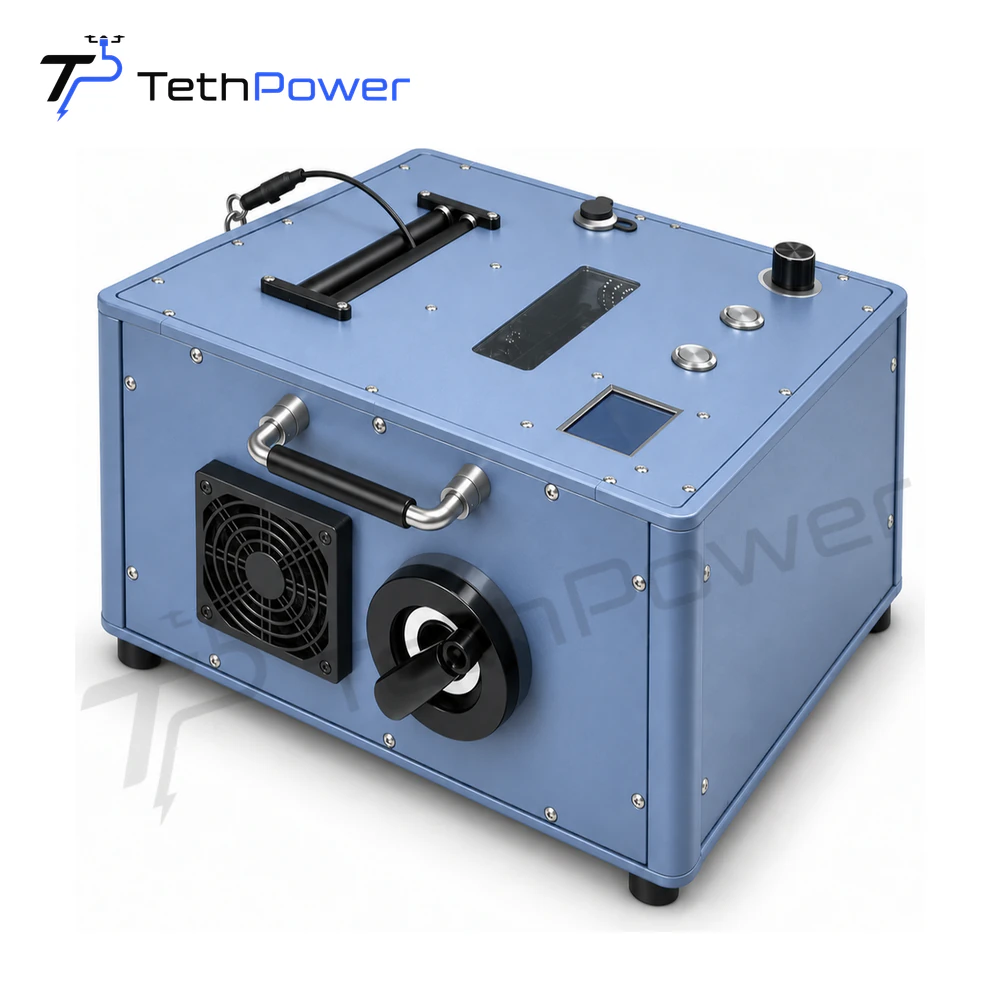
Ground output has its own conditions. TP-T4 lists compensated 400 VDC output. A nominal voltage comparison alone does not establish a TP-T4/TP-P1.5 pairing: the actual station output, cable drop and module input window need to be reviewed together. The products below provide individual specifications, not a pre-approved combination.
Allow for the cable and the complete airborne load
Use the planned tether length and the load at the operating point when reviewing voltage drop. Include the aircraft, mission equipment and any separately supplied electronics. If a light or communications payload has a different voltage requirement, identify its power connection separately.
Cable length is also different from usable operating height. The aircraft must carry the suspended cable and its equipment while allowing for the actual route and operating conditions. See tether length and operating height for the information to include.
Keep existing equipment in the proposal
If you already own either module, send its exact model, manual and connection details. We can review the missing part against that equipment instead of quoting a replacement for the entire system. State which cable and aircraft battery arrangement you intend to retain.
For a new configuration, select the ground and airborne candidates in Build. For a single replacement module, enquire from its product page. If the required voltage, connector or installation is outside the listed options, use our custom power service to discuss it.