The decision
Check your equipment against your order when it arrives, and keep the warranty card with the date you received it. When something goes wrong, send the model and serial number, the behavior and the conditions, and photos or a short video, so remote troubleshooting can start on the first exchange.
Check your equipment on arrival
When equipment stays in its packing until the first job, a missing item or transit damage comes to light on site, with the crew waiting. A check when the delivery arrives can move that discovery to a day when no job depends on it.
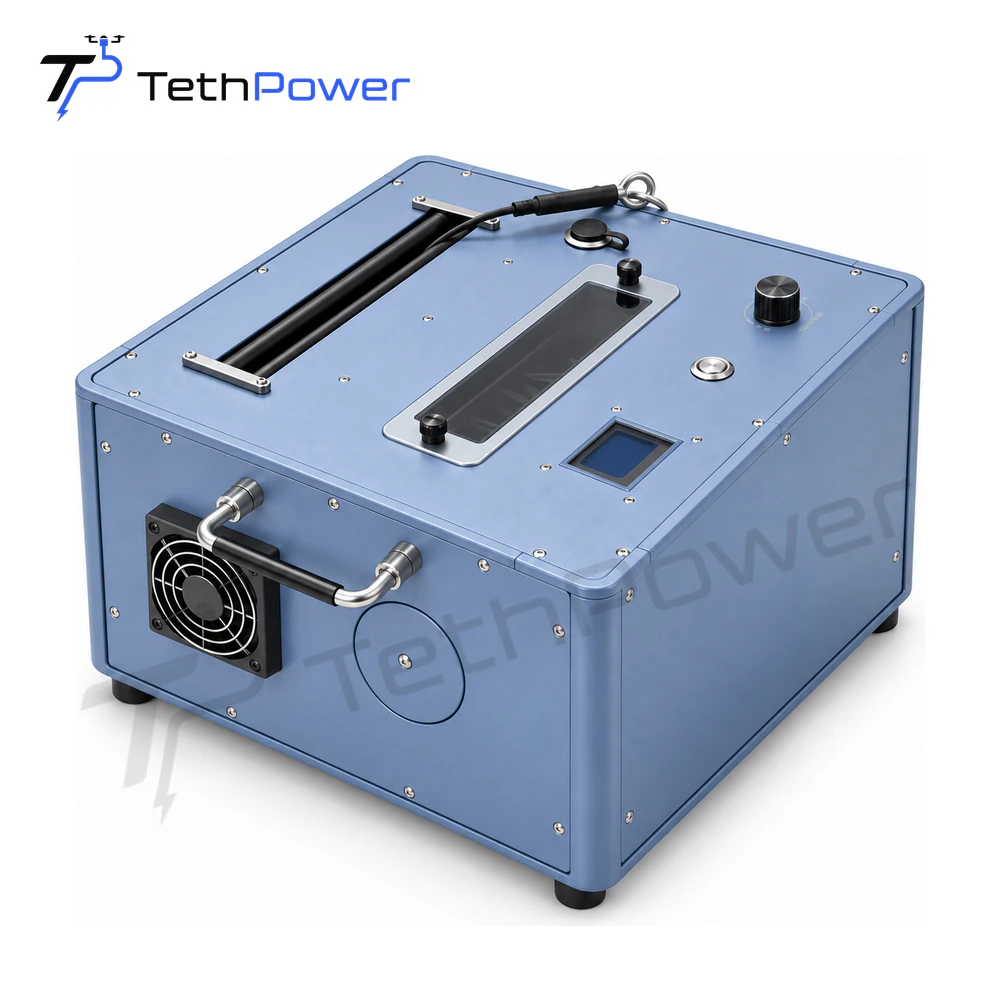
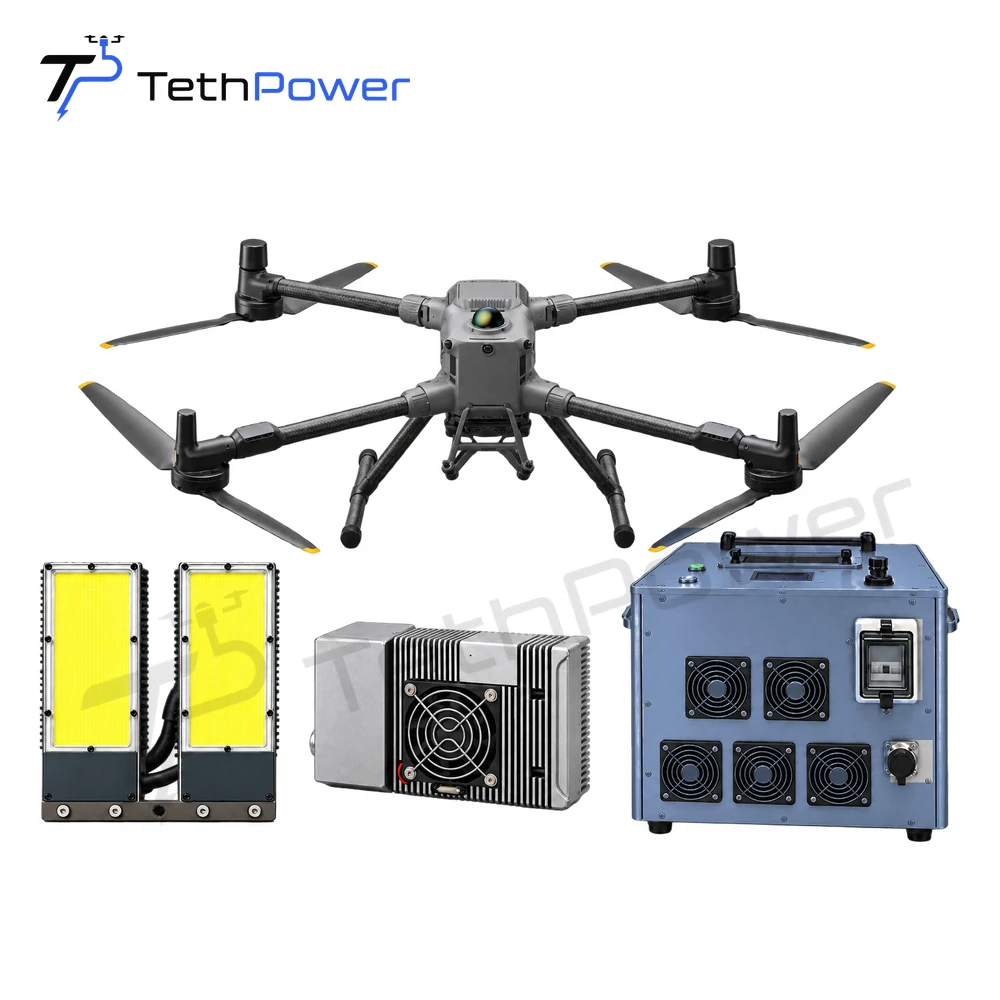
Compare the delivery with your order. Look at the outer packaging and the equipment for transit damage, count the items against the configuration you ordered, and confirm that the model labels match it. The standard configuration of the TP-Matrice M400 tethered lighting system, for example, combines the TP-T-M400 ground unit, the TP-P-M400 airborne power module and 4 TP-P-400 lighting lamps, and an 8-lamp configuration is optional, so the count depends on what you ordered. A ground station such as TP-T4H and a payload such as the TP-FC100 solar-panel cleaning payload are each checked against their own order line.
This is a visual check. For anything beyond it, follow the product manual and your site’s own work rules.
Photograph what you find, including labels and any damage. Please report any issues within 7 days of delivery. The full terms are on our Support page. Talk to our sales team about transit damage, missing items or a configuration that does not match your order; our sales team confirms the next step for your project. Settling these points before the job can help it start on its planned day.
Keep the warranty card and the receipt date
We provide a 12-month limited warranty to the original purchaser, starting on the date the equipment is received. That makes the receipt date part of your records from the day the equipment arrives. Note it with the delivery documents, and keep the warranty card with the manual and the model and serial number of each unit.
For warranty service, keep your card and include a photo when you contact us. Tell us when you received the equipment. Talk to our sales team about warranty claims, repairs and returns. With the card and the date at hand, a warranty question can start from your records instead of a search for paperwork.
When something goes wrong: identify the equipment
A message such as “the system stopped working” can start a round of questions before anyone can look at the issue. A complete first report can let remote troubleshooting start on the first exchange.
Start with the equipment. For each unit involved, send the model and serial number and a clear photo of the product label. A tethered system is a chain, so list the other equipment connected to it: the ground station, the airborne power module, the tether cable, the aircraft and any payload. TP-FC100, for example, is designed for heavy-lift multirotor UAVs with a PSDK expansion interface, so name the aircraft it is mounted on.
Include the AC source that supplies the ground station, whether site mains, a generator or a mobile power station, with its model. Choosing the AC supply for a tethered drone ground station explains which supply details to record.
Describe the behavior and the conditions, not the cause
Describe what you observed and the conditions when it occurred, without trying to diagnose the internal cause from appearance alone. A guess at the cause can send the analysis in the wrong direction; an exact description leaves it open. “Rewinding stopped during recovery, about halfway down, with the generator running” tells us more than a guess at the faulty part.
Useful points to include:
- What happened, in order, and whether it happened once or repeats
- When it happened: at takeoff, in hover or during recovery, and whether the tether was paying out or rewinding
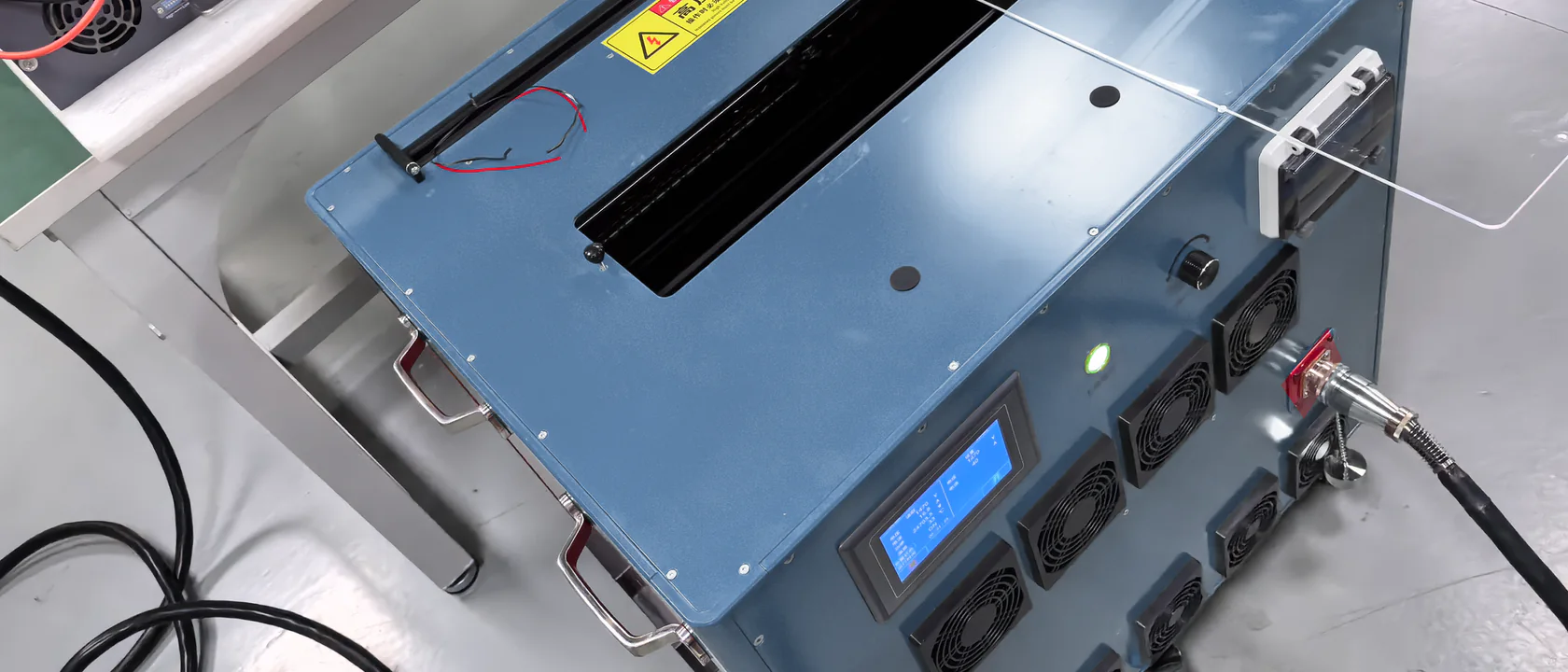
- Any alarm, message or reading shown; the TP-T4H front-panel LCD, for example, shows output voltage, current, power and temperature
- The conditions: ambient temperature, weather, altitude, the payload, how long the system had been running and the tether length in use
- The AC source in use at the time
For handling equipment after a fault, follow the product manual and your site’s own work rules.
Add photos or a short video of the setup
Photos or a short video help when they explain the issue. Start with the whole setup, showing the ground station, its AC source, the tether route and the aircraft, so the layout is clear. Then add close-ups of the labels, of the connectors on both sides of each connection, and of any visible damage to the tether cable or its connectors.
Where the behavior repeats, a short video can show what a description cannot, provided the product manual and your site’s own work rules allow the equipment to be operated. The same material helps if we continue with video guidance, one part of our remote technical support.
What happens next: remote troubleshooting, on-site support or factory testing
We provide remote technical support. It may include wiring review, video guidance, parameter confirmation, startup assistance, fault analysis and operating advice. Where the issue is within remote scope, it can be settled from your site. Complex integrations may require on-site support or return-to-factory testing. Our guide to tethered drone remote technical support explains the scope and how a question escalates.
If a part needs replacing, send the equipment models, clear photos of the part and its connectors, and the quantity you need. Requesting replacement parts for a tethered drone system explains what identifies the installed equipment and the part.
Talk to our sales team about replacement cables and parts, on-site support, factory testing, repairs and returns. Our sales team confirms the arrangement for your project. Knowing what to send and how a question escalates helps your team plan around an issue rather than wait on it.
If you resell our equipment, we provide remote technical support to you, and how support is arranged for your own customers is agreed with our sales team. See distributor and dealer partnerships for the documents and support behind our range.