
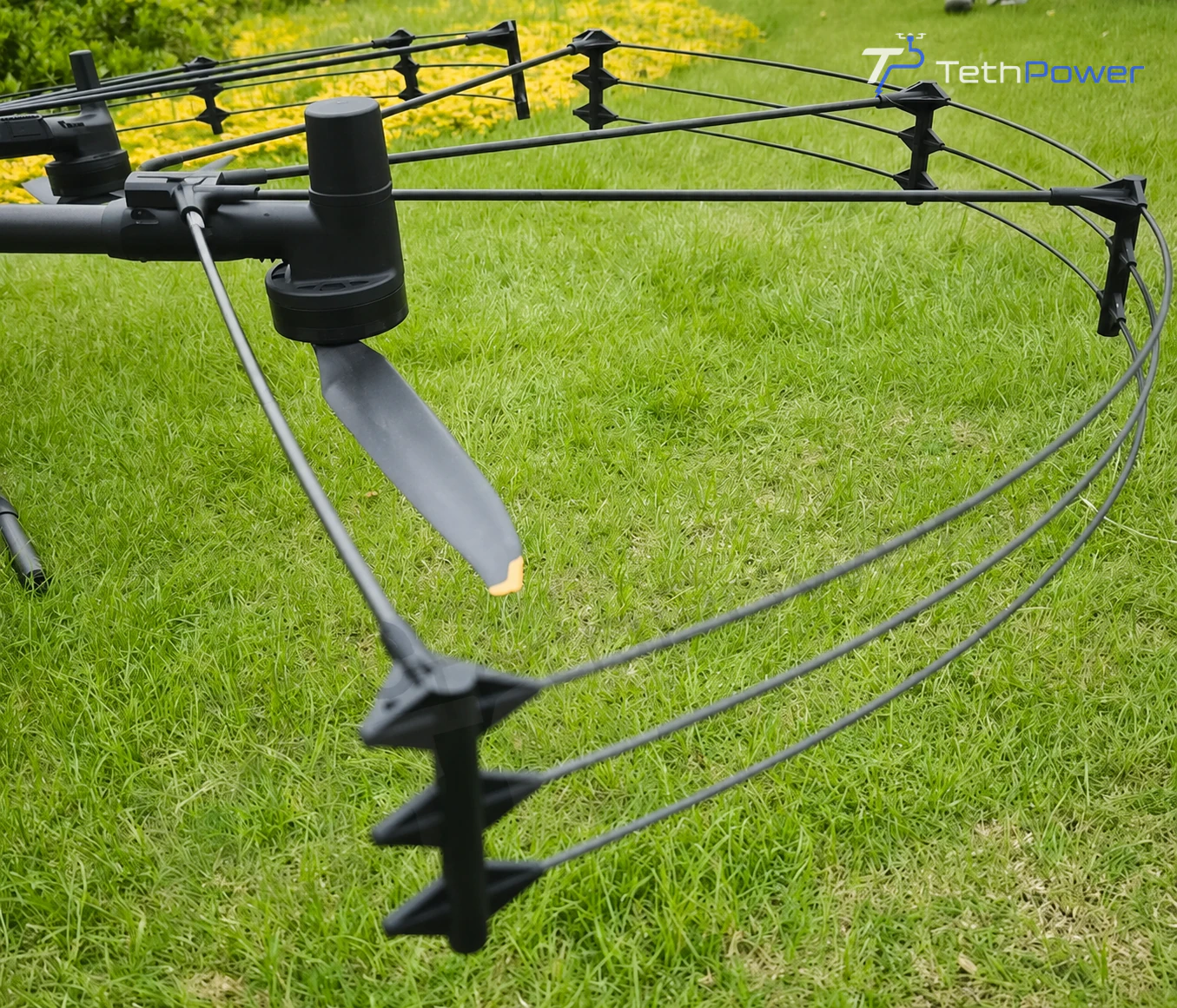
At a glance
A repeatable inspection routine helps you find loose, damaged or mismatched parts before a job. Check the guard and its aircraft interfaces after transport and assembly, follow the supplied instructions, and stop using any configuration with unresolved damage or clearance concerns.
Check arrival condition before scheduling a job
Unpack the equipment where you can inspect the frame, clamps, radial supports, fasteners and tension components without losing small parts. Compare the delivered items with the agreed packing list and photograph any transport damage before assembly.
Keep the order reference, guard revision and supplied instructions together. Our existing solution page explains the architecture; it does not replace the installation instructions for your delivered hardware.
Use a consistent inspection sequence
Inspect with the aircraft secured and powered down for physical work, following the aircraft instructions. Keep hands and loose items away from propellers during any powered check.
| Check | What to look for | When to stop |
|---|---|---|
| Frame and supports | Cracks, deformation, looseness or transport damage | Any unresolved structural concern |
| Clamps and connections | Correct seating, locking and complete fasteners | A connection cannot be secured as instructed |
| Propeller clearance | Level frame and no component entering the propeller disk | Contact or possible interference |
| Sensors and accessories | Clear sensing zones, indicators, cables and moving parts | Obstruction or an unexplained warning |
Use the tightening method, settings and maintenance intervals specified for the supplied equipment. Values for another accessory may not apply to your guard.
Treat contact as a reason to reassess
After contact, unusual vibration or a change in handling, stop the mission and land safely according to the aircraft procedures. Check both the guard and the aircraft interfaces before further use. The absence of an obvious broken rail does not establish that the installation is serviceable.
Do not straighten damaged structural parts, retension the frame by guesswork or fly again simply to reproduce the fault. Photograph the overall assembly and the affected areas, then contact us for review. Aircraft issues also require the relevant aircraft support process.
Make transport and handover part of the routine
Pack the components so transport loads do not bend the frame or damage connections. Follow the supplied assembly and disassembly instructions. Before the next job, repeat the physical checks and the required installed-aircraft checks instead of assuming the previous setup remains unchanged.
Keep a record of the configuration, observations, photographs, parts changed and the person completing the checks. For a shared fleet, this helps the next crew distinguish a ready installation from equipment waiting for assessment.
Get support with a usable fault description
Send the order reference, aircraft and guard revisions, photographs and a short description of what happened. State whether contact occurred and whether you observed warnings, vibration or interference. Our support and spare-parts guide explains how to prepare the request.
Contact support with those records so we can discuss the next step. Repair options, warranty applicability and timing are confirmed after reviewing the equipment and the issue.