At a glance
Start with the mounting point and the power available on your aircraft. For TP-A300, allow space and weight for the driver as well as the lamps.
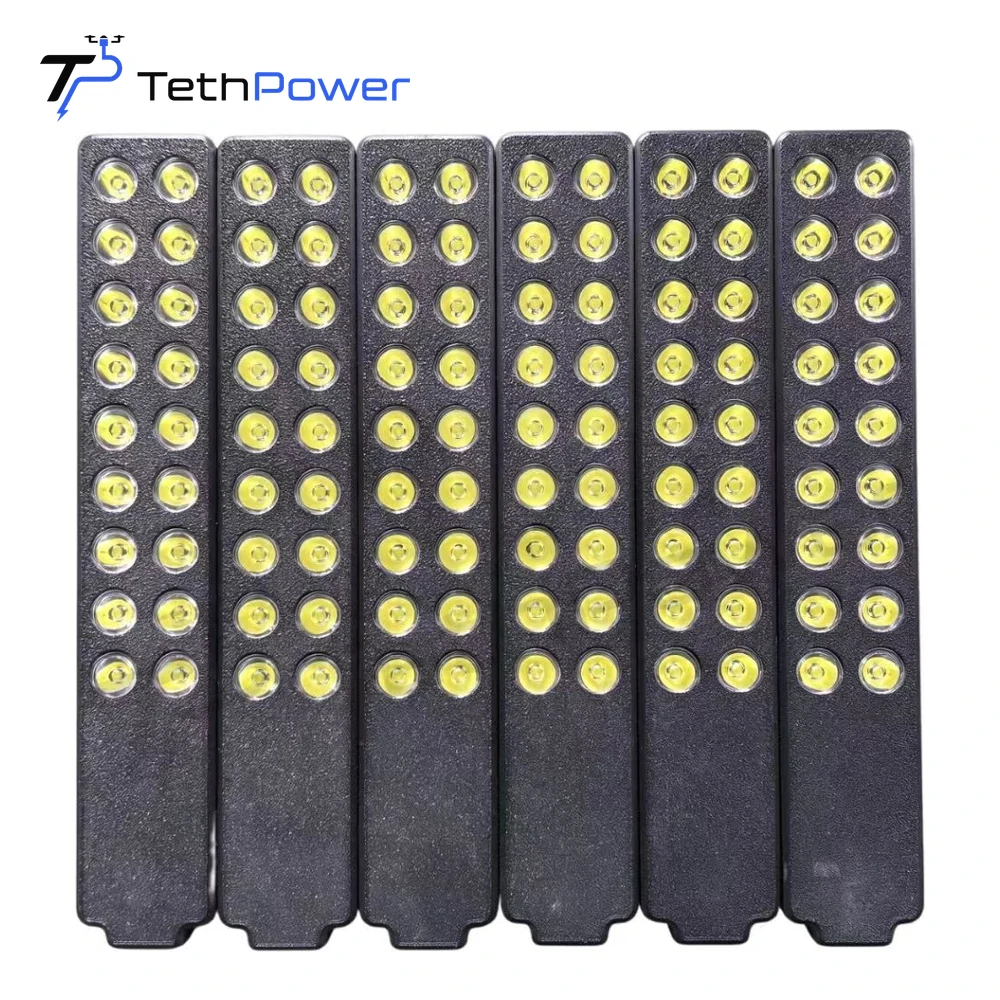
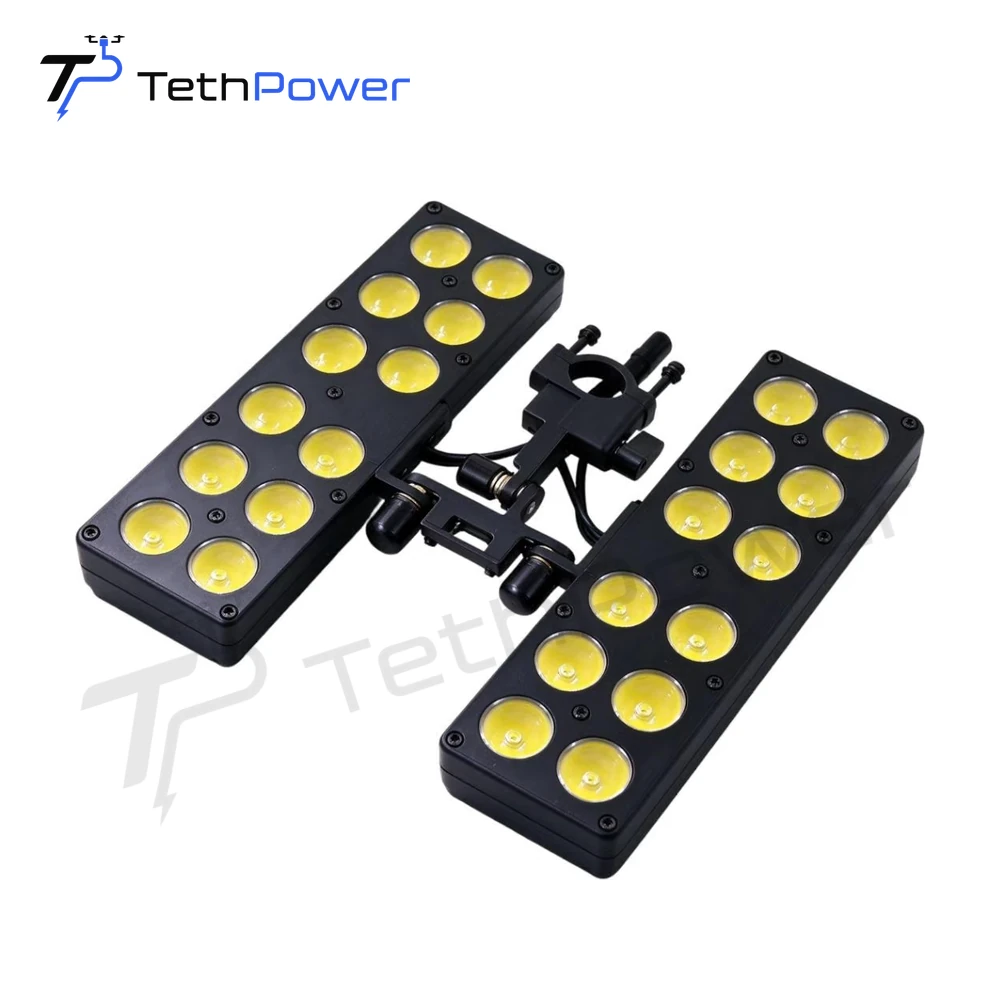
If you already have an aircraft and want to add a light, start with two questions. Where can the light attach, and what power can the aircraft supply alongside its other equipment? Those answers help you compare our TP-A100 and TP-A300 for your installation.
Compare the mounting and power arrangements
| What to check | TP-A100 | TP-A300 |
|---|---|---|
| Mounting point | Quick-release straps for a drone arm 20–45 mm in diameter | Clamp for a landing-gear tube 16–20 mm in diameter. The mounting can be customized. |
| Lamp power | 90 W per lamp | 160 W maximum per lamp |
| Supply voltage | Lamp accepts 20–72 VDC | Separate driver accepts 20–60 VDC. Lamp operating voltage is 42 VDC. |
| Component weight | 175 g per lamp | 145 g per lamp and 550 g for the separate driver |
Use the TP-A100 mounting range to check the arm you have in mind. If you’re considering TP-A300, also identify where the driver will sit. Tell us how many lamps you plan to use so we can discuss the complete installation and power needs.
Check what the crew needs to see
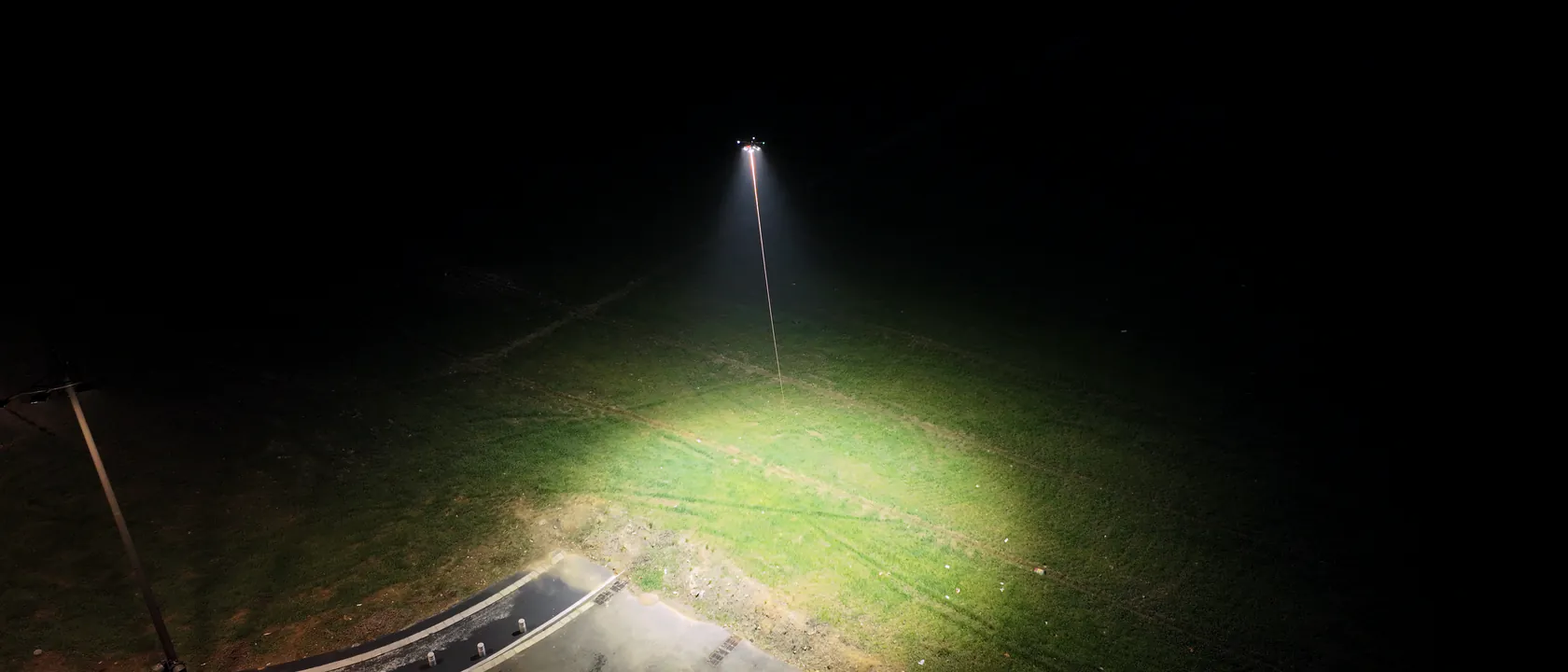
For TP-A300, lamp angle and lateral adjustment give you options for aiming the light. Describe the work area and the surfaces your crew needs to see. If you have an illumination target, share the location and plane where it applies. Our lumens and lux guide explains what to compare when assessing the light at the work area.
Bring your aircraft to the discussion
Send Stella the aircraft model, a photo or dimensions of the mounting point and the available power supply. If you already have a ground station or airborne module, tell us its model. We can review the lighting accessory, its power needs and the equipment to include in your quote.